iptv installation morocco · 2026
IPTV Morocco installation – guide by device
Installing IPTV Morocco does not require technical skills: an application, your identifiers and a stable connection. Follow the route adapted to your screen.
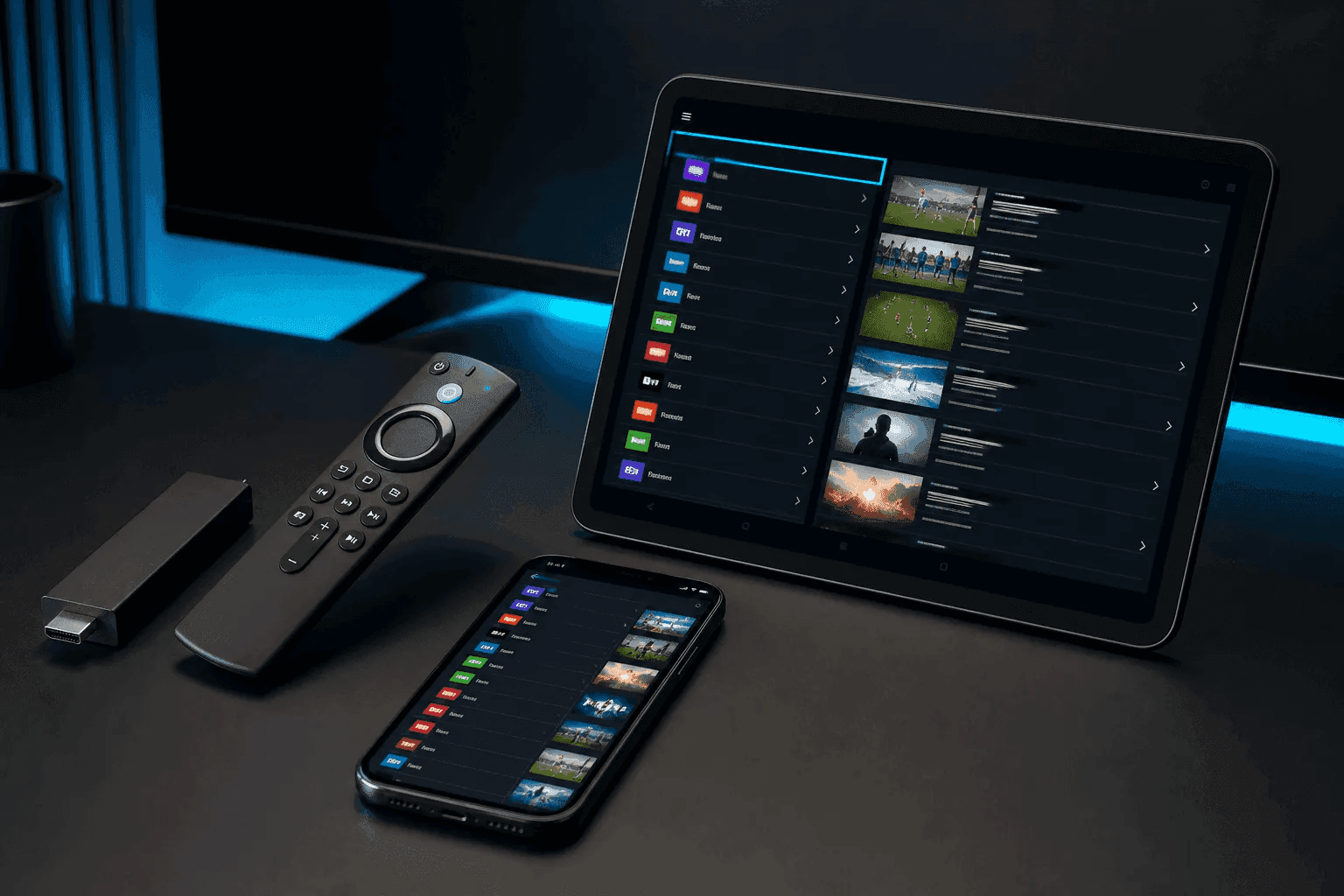
Samsung & LG Smart TVs
From the TV store, install IPTV Smarters Pro or a compatible app. Enter the portal URL or load the M3U playlist provided after ordering.
- Check that the TV is on 5 GHz Wi-Fi if possible
- Restart the TV after the first EPG sync
Fire Stick & Android box
TiviMate and Smarters dominate Android TV. Download the official APK or the Amazon store depending on the model. The Fire Stick 4K supports Full HD; the 4K annual makes better use of UHD streams.
iPhone, Android & PC
On mobile, GSE Smart IPTV or Smarters allow viewing on the move. On PC/Mac, VLC or Smarters Desktop are enough to test before installing the show.
Frequent troubleshooting
Buffering: bring the box closer to the router or switch to Ethernet. Black screen: Check subscription expiration date. Empty EPG: reload the guide from the app settings.
Questions about this page
Is a VPN required for IPTV Morocco installation?
Generally not for use in Morocco. When abroad, test without a VPN first; only enable one if your ISP blocks certain streams.
Do you offer remote installation?
Yes, via WhatsApp (screenshots + voice call) to configure the first reading.
One more question? We reply on WhatsApp.
Pack Atlas 250 DH/an · Pack Maroc+ 350 DH/an · Pack Lions 499 DH/an — activation en 5 min.
Order on WhatsAppReady to order IPTV MAROC?
Pack Atlas 250 DH/an · Pack Maroc+ 350 DH/an · Pack Lions 499 DH/an — +212 6 99 13 62 13
Open WhatsApp