iptv smart tv morocco · 30 mai 2026
IPTV Smart TV Morocco — install and watch without a box
Your Smart TV can replace the cable decoder: an IPTV application, your identifiers and a stable connection are enough. This 2026 guide covers Samsung (Tizen), LG (webOS) and Android TV for homes in Morocco and the diaspora.
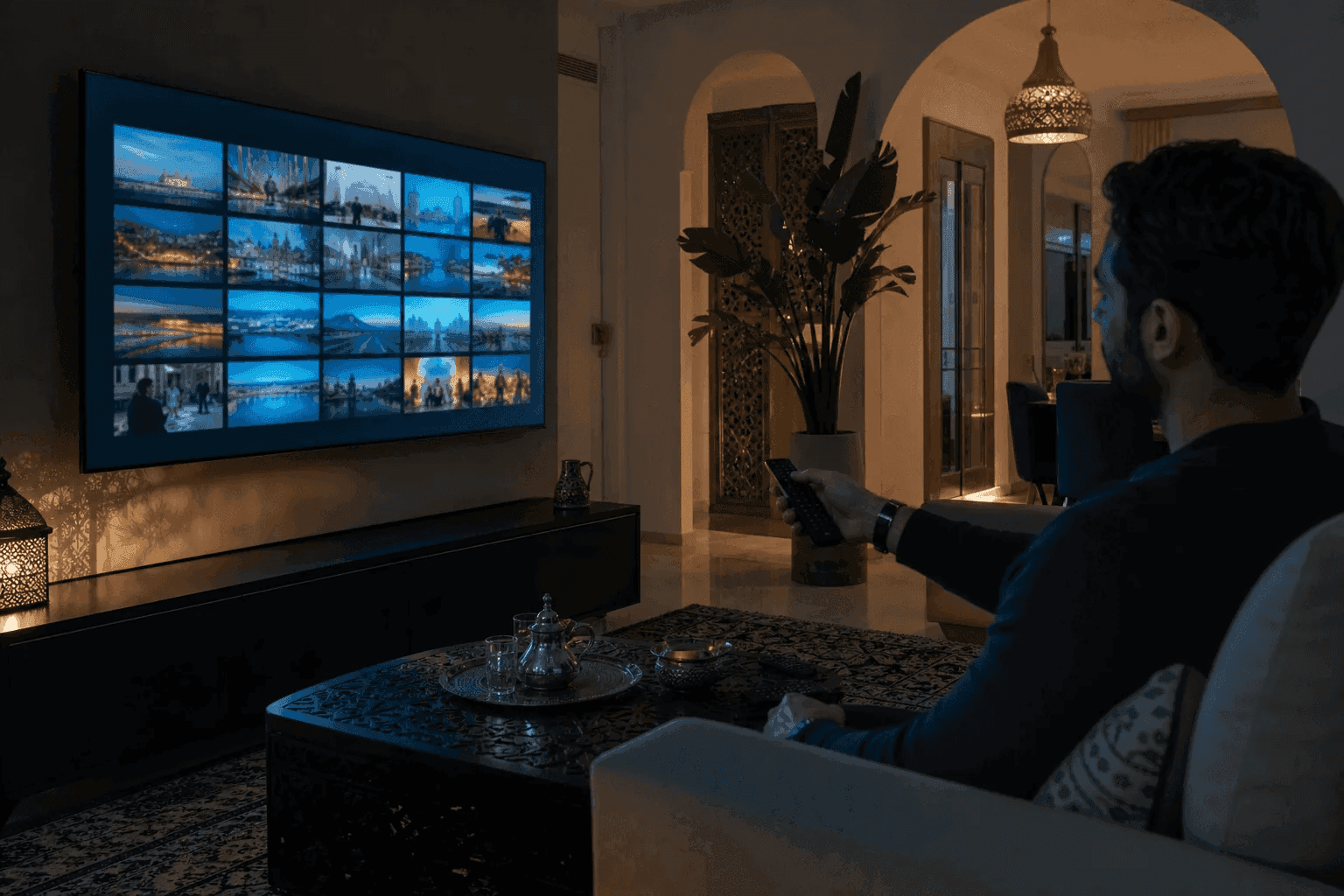
Why IPTV on Smart TV is a game changer in Morocco
Recent televisions already integrate Wi-Fi and application stores. Rather than multiplying boxes, IPTV Smart TV Morocco centralizes national channels, sports and VOD on a single screen – practical for living rooms in Casablanca, Rabat or Marrakech where space matters.
With IPTV MAROC, activation is done via WhatsApp: you receive the Xtream portal or M3U playlist, then you configure the app in less than fifteen minutes. The 24-hour trial allows you to validate fluidity on Maroc Telecom, Orange or Inwi before the Atlas Pack (250 DH/year) or the Lions Pack (499 DH/year).
Which application to choose depending on your TV brand
The choice of app determines stability. Here are the combinations that we most often recommend to our Moroccan customers in 2026.
- ✓ Samsung Tizen — IPTV Smarters Pro (store) or SmartOne IPTV if Smarters unavailable
- ✓ LG webOS — SS IPTV, SET IPTV or Smarters from the LG Content Store
- ✓ Android TV / Google TV — TiviMate (premium) or IPTV Smarters Pro
- ✓ Older TV — Fire Stick 4K connected via HDMI (see installation guide)
Configure IPTV on Samsung Smart TV
Open Smart Hub, search for “IPTV Smarters Pro” or “SmartOne” and install. On first launch, choose “Login with Xtream Codes API” and enter URL, username and password provided by IPTV MAROC.
If you use an app based on MAC address (Smart IPTV, SmartOne), note the MAC displayed on the screen and send it to WhatsApp support: we will guide you to link the playlist. Restart the application after synchronization to load the program guide (EPG).
- ✓ Choose 5 GHz Wi-Fi or an Ethernet cable for 4K
- ✓ Disable aggressive power saving on the HDMI port
- ✓ Update Samsung firmware before installation
Configure IPTV on LG Smart TV (webOS)
From the LG Content Store, install SS IPTV or IPTV Smarters Pro. The Xtream procedure is identical: server URL, username, password. SS IPTV also accepts an M3U link pasted from the TV's web interface.
On webOS, the EPG may take a few minutes to fill. Wait after the first connection; If the guide remains empty, reload it from the app settings or contact support with a screenshot.
Smart TV Android: the most flexible option
Android TVs (Sony, TCL, Hisense, etc.) open the Google Play Store: TiviMate offers the best ergonomics (favorites, local recording on certain models). Smarters remains the best choice for beginners thanks to its French interface.
Minimum recommended connection: 15 Mbps for stable HD, 25 Mbps for 4K. Test first without a VPN from Morocco; Abroad, a VPN is only useful if your ISP blocks certain streams.
Quick Smart TV Troubleshooting
Buffering during a Botola match or the CAN: move the router closer, switch to Ethernet or temporarily lower the quality of the stream in the settings. Black screen at launch: check the subscription expiration date and re-enter the credentials.
Application removed from the store? Do not reinstall a questionable APK: contact IPTV MAROC for an official alternative (SmartOne, SS IPTV) or switch to Fire Stick in the meantime.
Questions fréquentes
Can we install IPTV Smarters Pro on all Smart TVs in Morocco?
Almost: recent Samsung and LG welcome it via their store. Very old models or TVs without blinds benefit from a Fire Stick connected via HDMI – we configure both scenarios.
Do you have to pay for a license for Smart IPTV or SmartOne?
SmartOne and Smart IPTV sometimes require an app license (around €12 for life for SmartOne). This payment is only for the player, not for the channels. Smarters Pro is free on the app side.
Does the IPTV MOROCCO trial work on Smart TV?
Yes, the 24-hour trial covers the same catalog as the paid plan. This is the safest way to test your Smart TV before committing.
Commander ou tester IPTV MAROC
Pack Atlas 250 DH/an · Pack Maroc+ 350 DH/an · Pack Lions 499 DH/an — activation WhatsApp +212 6 99 13 62 13
Demander l'essai