iptv fire stick morocco · 31 mai 2026
IPTV Fire Stick Morocco — set up in less than 15 minutes
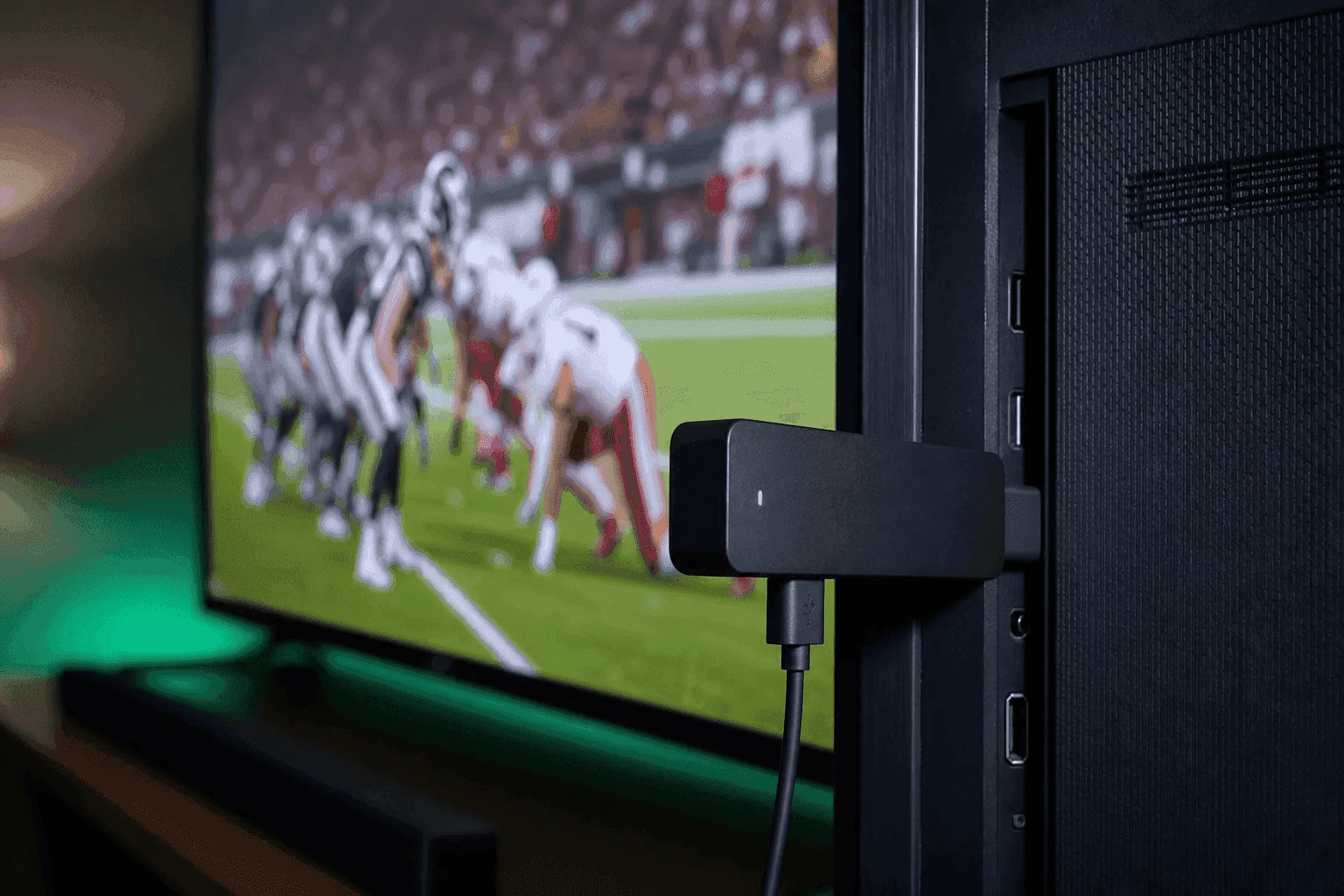
The Fire Stick is the most popular solution in Morocco when the Smart TV does not have a good IPTV app. Connected via HDMI, it transforms any television into a streaming terminal: Moroccan channels, Botola, CAN and VOD in HD or 4K.
Why the Fire Stick dominates IPTV in Morocco
Accessible price, simple remote control, Amazon store: the Fire Stick 4K is suitable for families who want 2M and Arryadia without changing TV. Unlike Samsung or LG TVs where IPTV apps sometimes disappear from the store, sideloading via Downloader remains stable in 2026.
With IPTV MAROC, you receive your Xtream codes by WhatsApp after ordering or 24-hour trial. Installation takes on average ten to fifteen minutes, even for a beginner — our support can guide you via video via screenshots.
- ✓ Fire Stick Lite — HD, low budget
- ✓ Fire Stick 4K — Full HD / 4K, recommended for sports
- ✓ Fire Stick 4K Max — Wi-Fi 6, ideal annual 4K IPTV package MOROCCO
Prerequisites before installation
Check your connection: 15 Mbps minimum for HD, 25 Mbps for 4K. On Maroc Telecom or Orange fiber, 5 GHz Wi-Fi is generally sufficient; for clasico evenings, an Ethernet cable via USB adapter (on compatible models) reduces buffering.
Prepare Xtream identifiers (server URL, username, password) or M3U link — sent by IPTV MAROC after activation. Keep your phone within reach to scan a QR code if necessary.
Step 1 — Enable Unknown Sources
On the Fire TV home screen: Settings → My Fire TV → Developer Options. Enable “Applications from unknown sources”. If the menu is hidden, click the device name seven times in About, then return to Developer Options.
Then install “Downloader” from the Amazon Appstore (orange icon). It is the official tool to recover IPTV APKs with ease.
Step 2 — Install IPTV Smarters Pro
Open Downloader, accept storage access, then enter the official Smarters Pro URL (iptvsmarters.com) or the code provided by our WhatsApp support. Download the APK (~80 MB), run the installation and delete the file afterwards to free up space.
On first launch: “Login with Xtream Codes API” → enter URL, username and password IPTV MAROC. Wait for the channels to synchronize (1 to 3 minutes). The EPG then fills in automatically.
- ✓ Only download from official URLs or URLs validated by support
- ✓ Pin Smarters to Fire TV Home for direct access
- ✓ Rename the profile “IPTV MAROC” to find your favorites
Alternative: TiviMate for advanced users
TiviMate offers a smoother interface (favorites, multi-playlist, recording on certain models). Install it via Downloader in the same way. Add the Xtream playlist with the same identifiers.
Reserved for comfortable users: TiviMate Premium (paid) unlocks multi-playlist and advanced search. For most Moroccan households, free Smarters Pro is more than enough.
Optimize Fire Stick for IPTV Streaming
In Settings → Preferences → Privacy: Turn off unnecessary data collection to free up resources. Force stop Amazon Prime or Games apps in the background before a match.
In Smarters: lower the buffer to “medium” if your Wi-Fi is unstable, or switch to “auto” on fiber. Clear the app cache once a month (Fire TV Settings → Apps → Smarters → Clear Cache).
Fire Stick troubleshooting in Morocco
Recurring Buffering: Restart the Fire Stick (Settings → My Fire TV → Restart), move it closer to the router, or change the Wi-Fi channel. “Playlist expired” screen: Check the subscription date on WhatsApp.
No sound or laggy image: in Smarters, choose another internal player (ExoPlayer vs VLC). Application that closes: reinstall the APK via Downloader — do not restore an old saved version.
Questions fréquentes
Do you need a VPN for IPTV Fire Stick in Morocco?
In domestic use in Morocco, not in the majority of cases. Test without a VPN first. In the diaspora, a VPN is only useful if your operator blocks certain streams – not obligatory to start.
Is Smarters Pro on the Amazon Appstore?
Often absent or limited. The Downloader + official APK method remains the most reliable in 2026. IPTV MAROC sends you the exact link adapted to your Fire Stick model.
Fire Stick or native Smart TV: what to choose?
If your Samsung/LG TV accepts Smarters from the store, stay native. Otherwise, the Fire Stick 4K is the best price/stability compromise – see also our Smart TV guide.
Commander ou tester IPTV MAROC
Pack Atlas 250 DH/an · Pack Maroc+ 350 DH/an · Pack Lions 499 DH/an — activation WhatsApp +212 6 99 13 62 13
Demander l'essai